📚 Usage Guide
Welcome to Pika Finance! This guide will teach you how to use Pika effectively to manage your personal finances. Whether you're tracking expenses, setting budgets, or analyzing spending patterns, Pika makes it simple and intuitive.
🚀 Getting Started with Pika
First Login
- Access Pika: Go to
yourdomain.com/pika - Click "Login": You'll be redirected to WordPress
- Enter Credentials: Use your WordPress username and password
- Create App Password: Set up secure access for Pika
- Welcome Dashboard: You'll see the main Pika interface
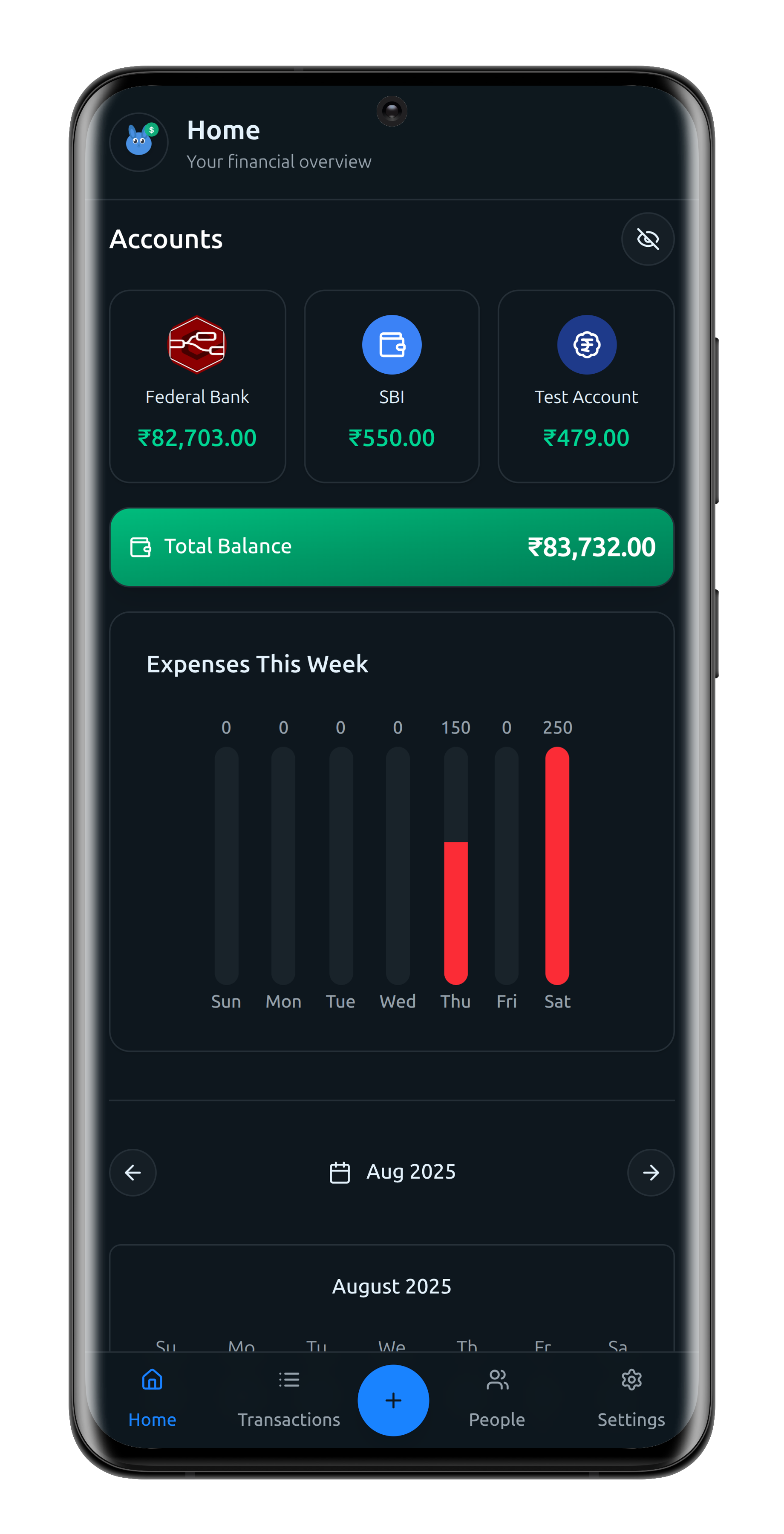
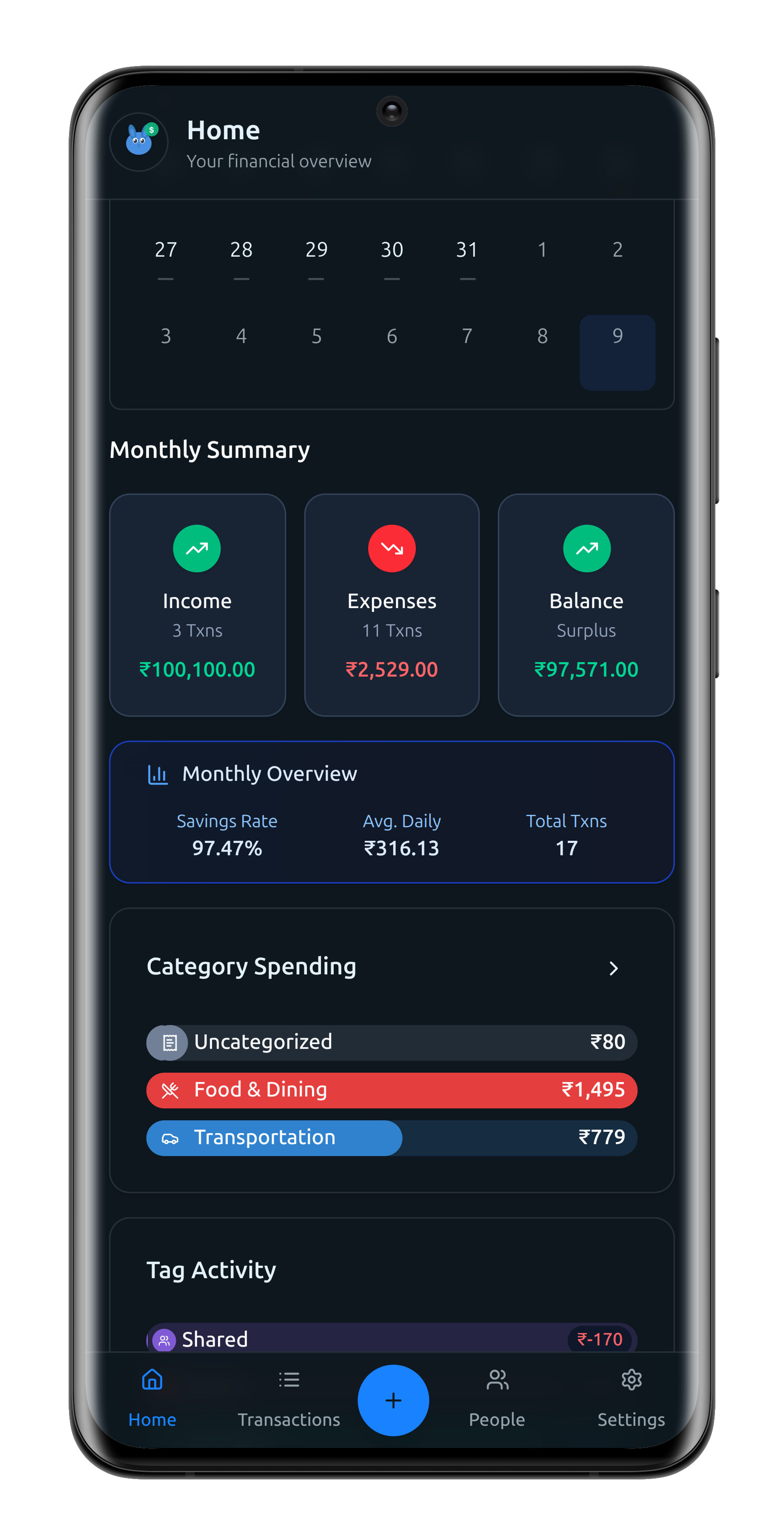
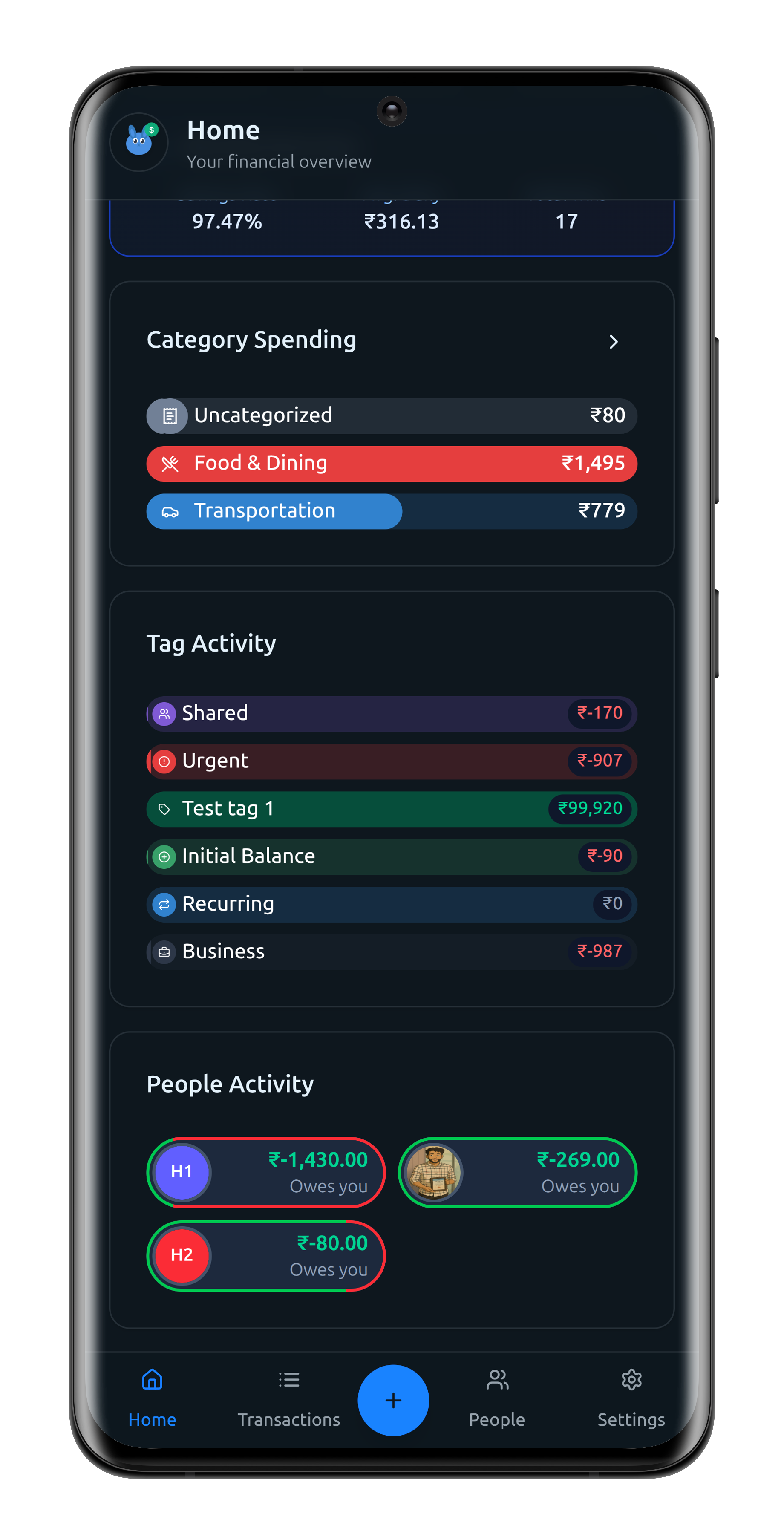
Understanding the Interface
Pika’s interface is designed to make managing your finances intuitive and efficient. Here’s a breakdown of the core components:
- Accounts: Represent your various financial accounts, such as bank accounts, credit cards, and wallets. Easily track balances and transactions for each account.
- Transaction Types:
- Income: Money coming into your accounts.
- Expense: Money going out of your accounts.
- Transfer: Moving money between your own accounts.
- People: Keep track of friends, family, or contacts involved in your transactions. You can associate people with both income and expense transactions (not transfers), making it easy to monitor shared expenses or repayments.
- Categories: Organize your transactions by type. Categories are structured in parent-child hierarchies, but only child categories are used when recording a transaction. Each transaction can have one category.
- Tags: Add multiple tags to any transaction for flexible organization and powerful filtering. Tags help you analyze spending patterns across different contexts.
Each transaction can include a title, amount, date and time, category, account, and optional details such as people, tags, attachments (images or PDFs), and a detailed note.
Mobile & Desktop Experience
Pika offers a seamless experience on both mobile and desktop, with interfaces tailored for each:
-
Mobile: Features a bottom tab navigation for quick access:
- Home: Get insights at a glance—account balances, monthly breakdowns by tags, people, categories, calendar views, and more.
- Transactions: View, filter, and sort your transaction history.
- Add Transaction: Quickly add new income, expense, or transfer entries.
- People: Manage your list of contacts and add new people.
- Settings: Configure categories, tags, accounts, currency, theme, AI features, notifications, and more.
-
Desktop: The same tabs are presented as a sidebar for easy navigation, providing a consistent and powerful experience across devices.
Pika is optimized for mobile use but delivers a robust and user-friendly interface on desktop as well, ensuring you can manage your finances wherever you are.